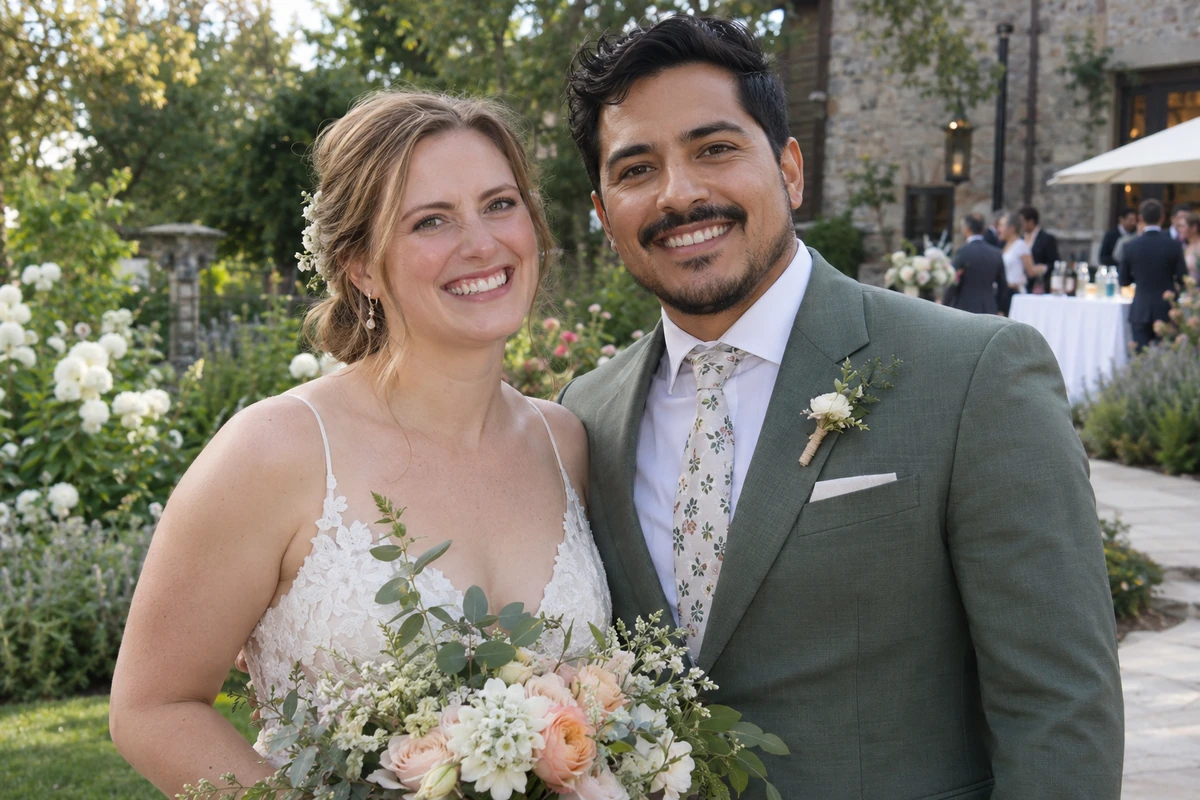
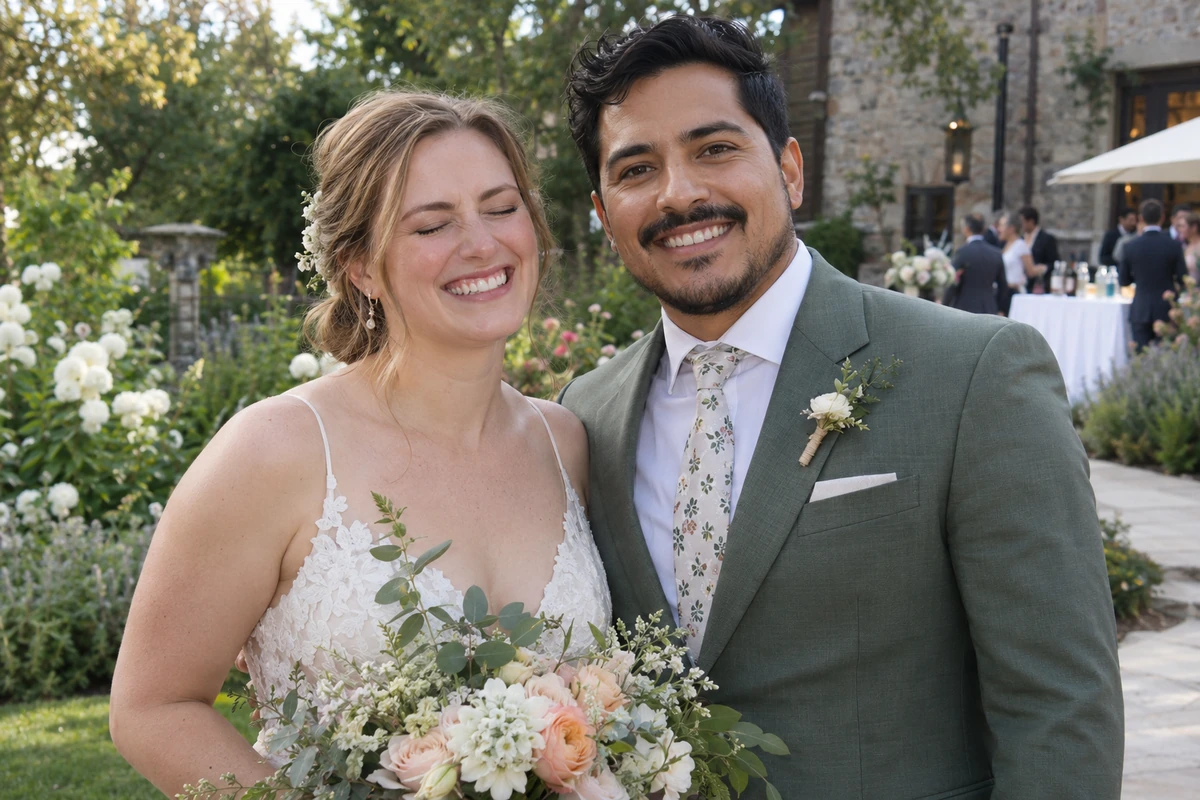
 OriginalRepaired
Wedding photoDrag to compare
A blink shouldn’t spoil a great photo. Open the eyes, keep the rest.
OriginalRepairedor drop your photo here
JPG, PNG, WebP · up to 50 MBPhotos available for 24 hours. Download in time. Photo privacy
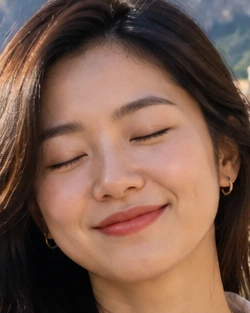
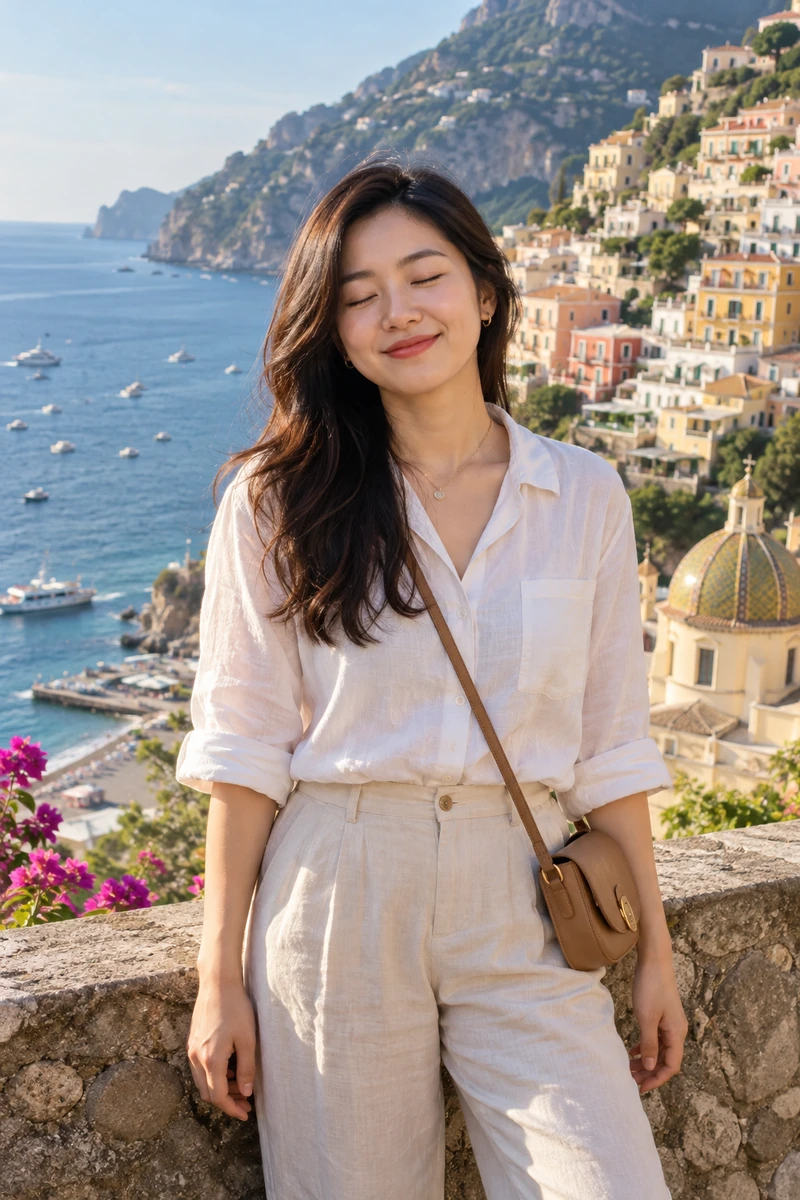
Clear eyelids usually make repair easier.
Tiny faces or blurry eyes are more likely to look unnatural after repair.
Use the original file. Distant photos may still work.
Compare the original with saved repair results.
OriginalRepaired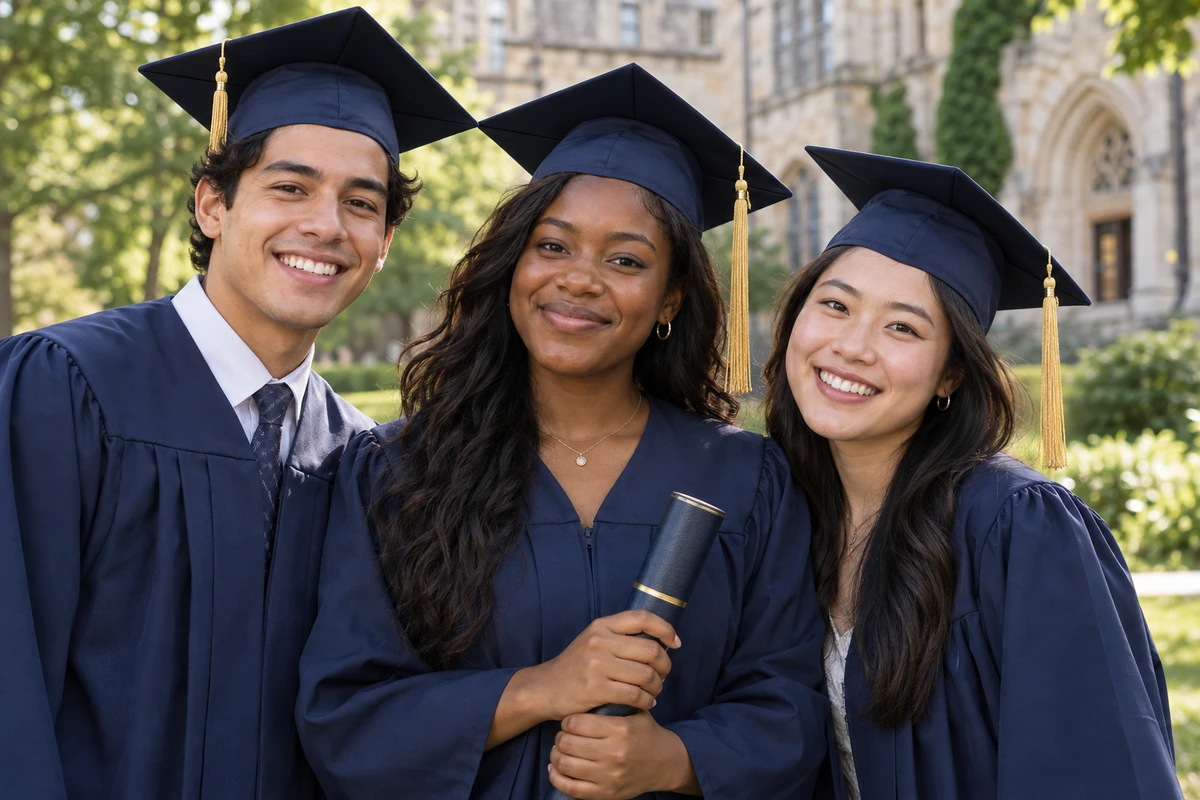
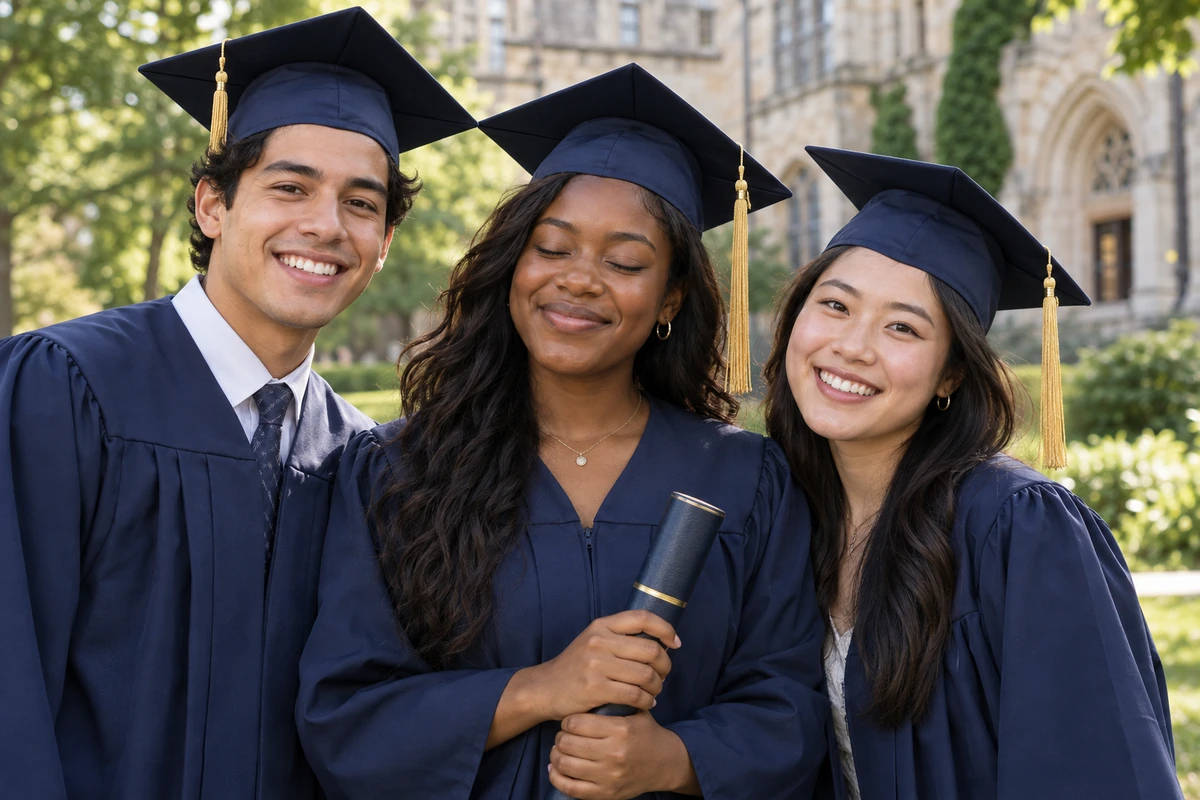 OriginalRepaired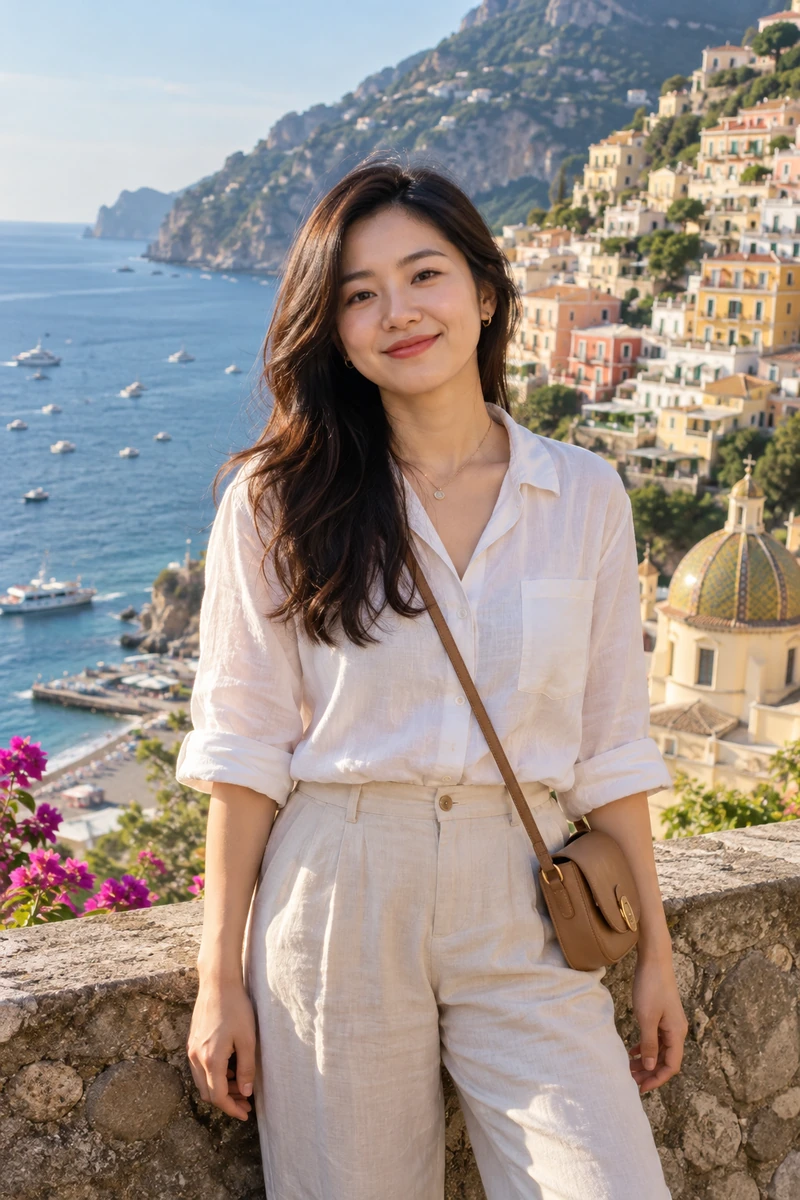
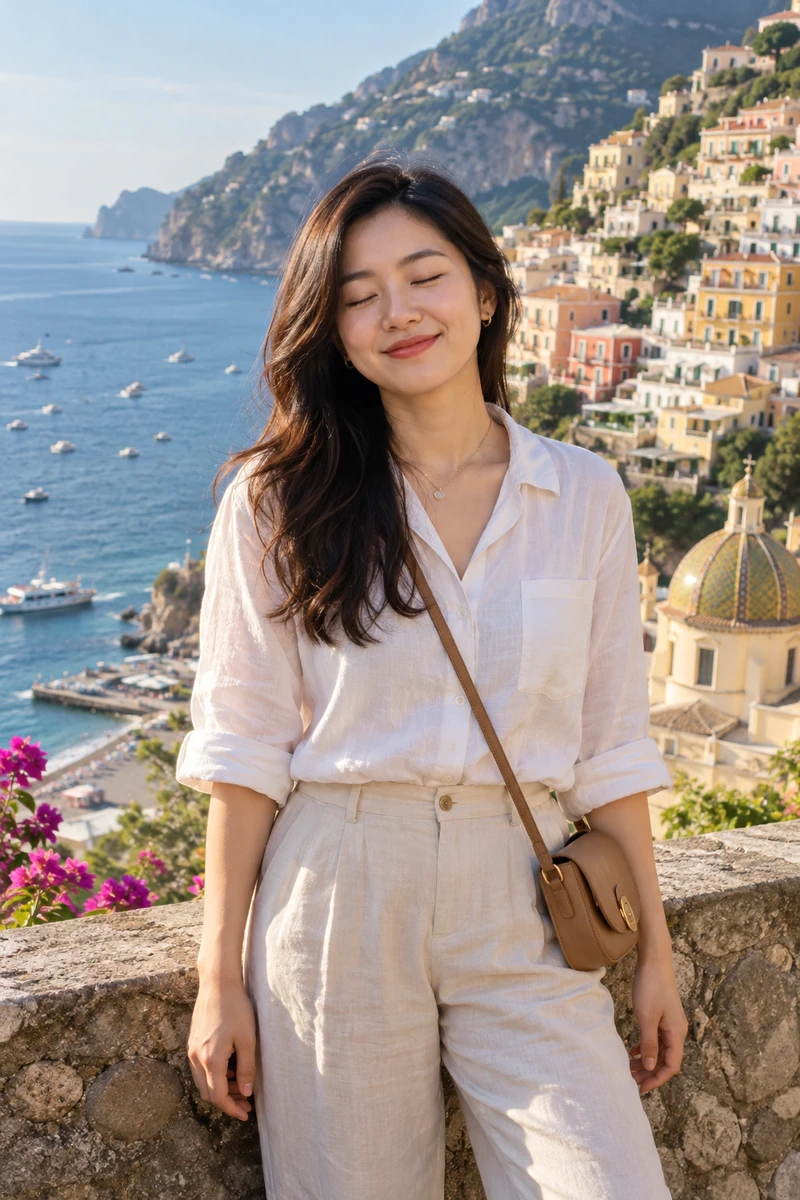 OriginalRepaired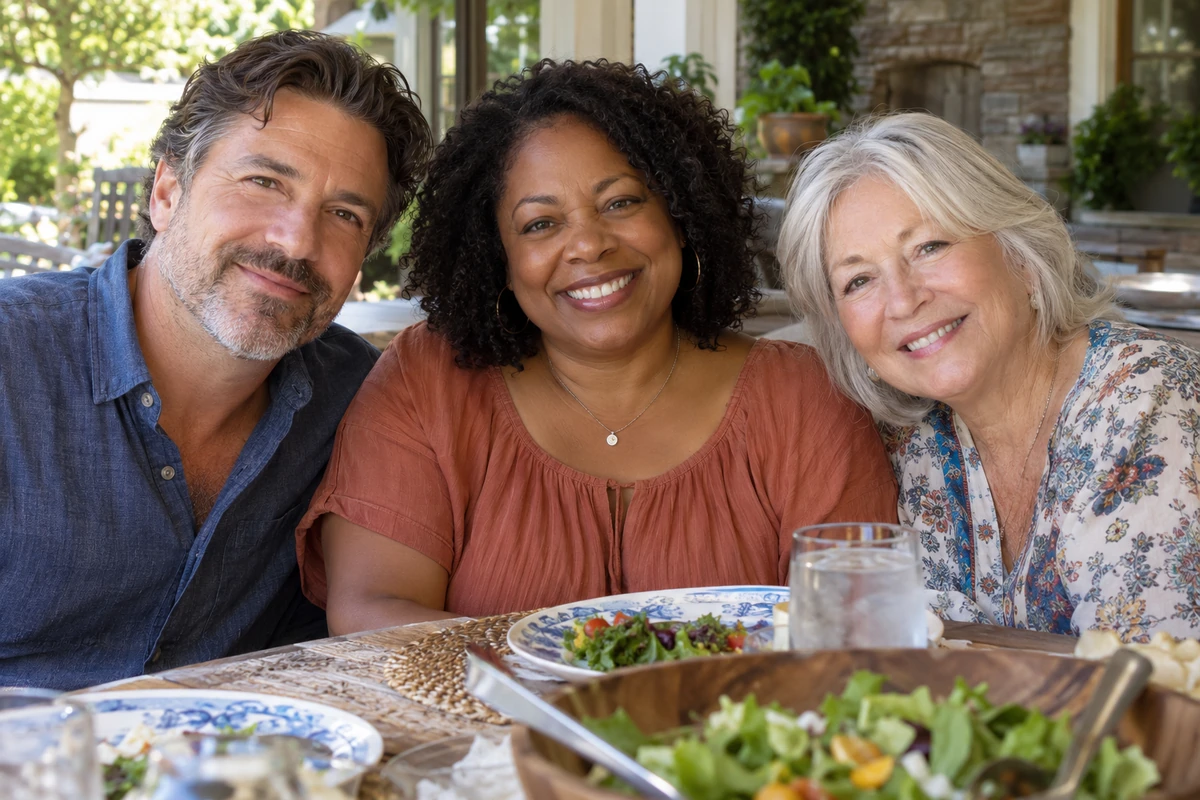
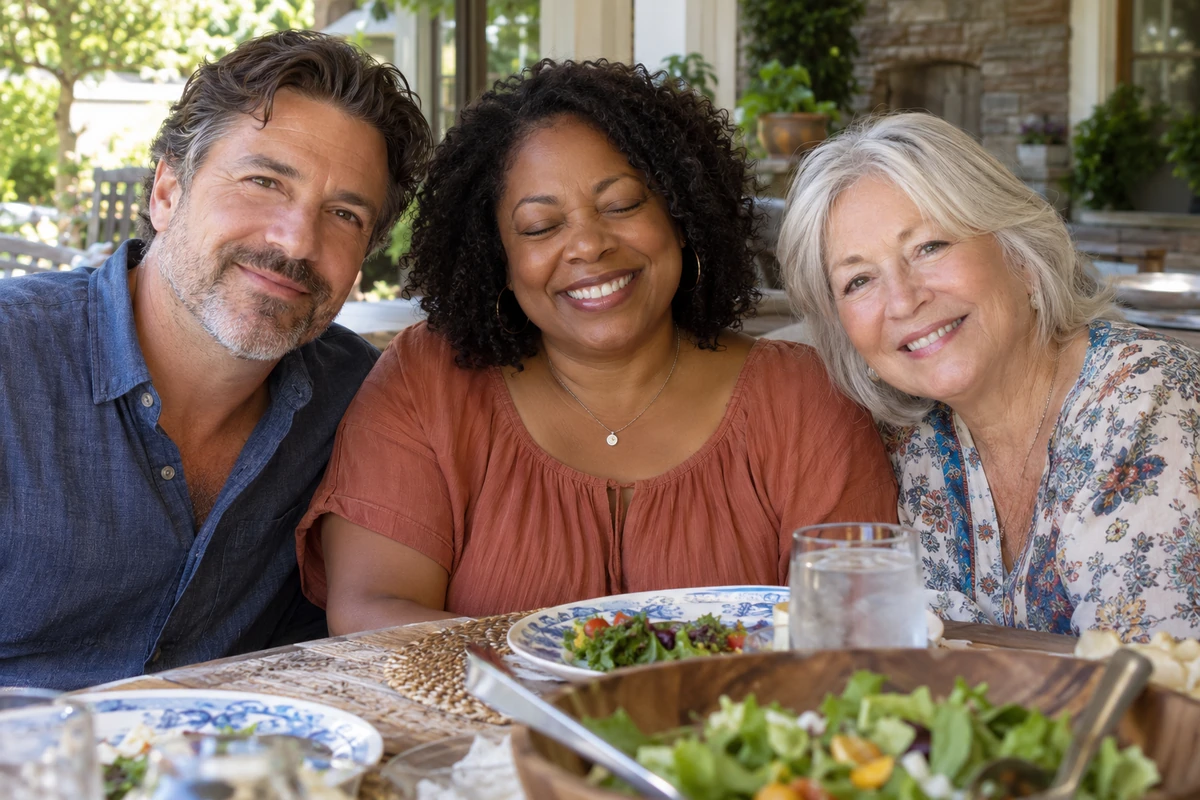 OriginalRepaired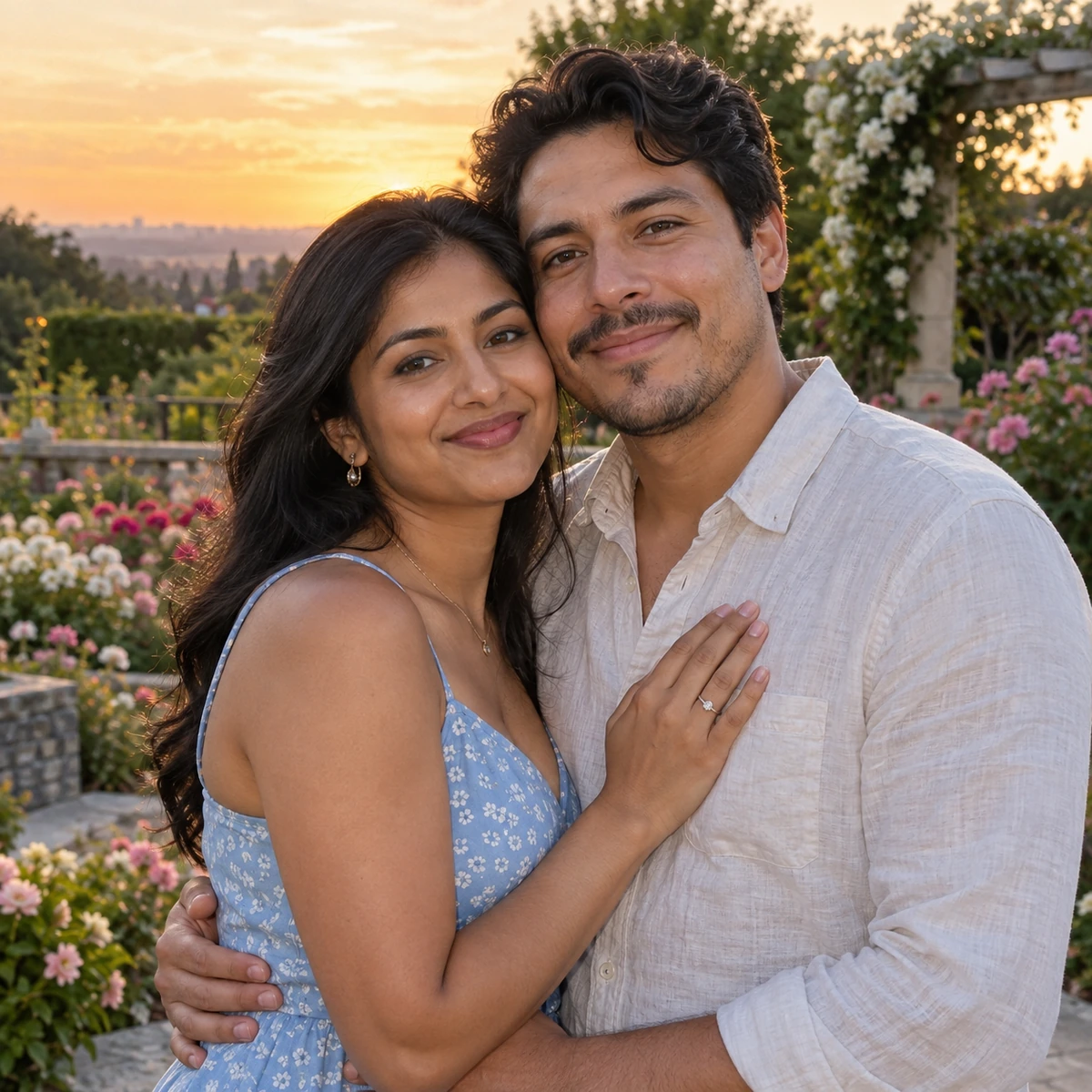
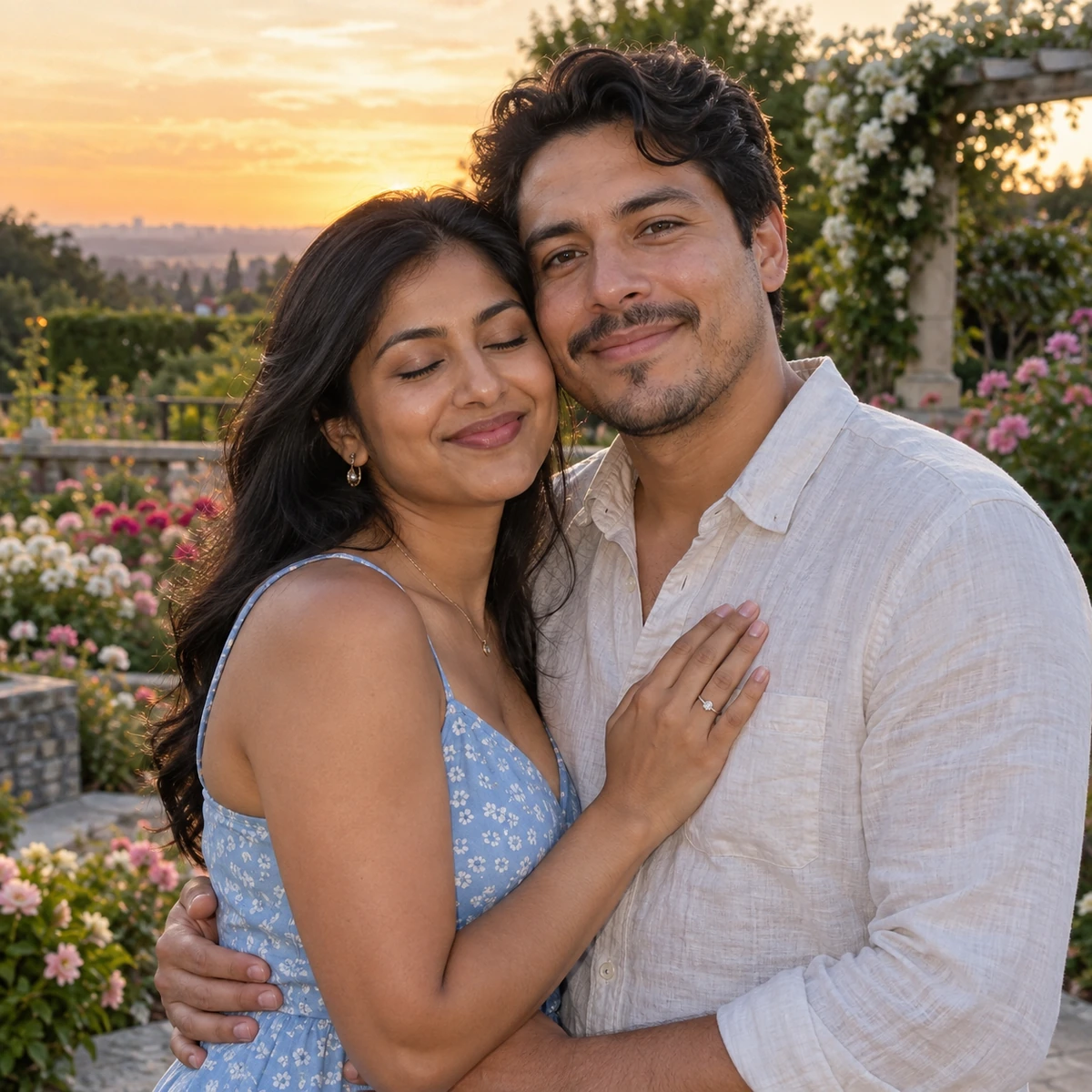 OriginalRepaired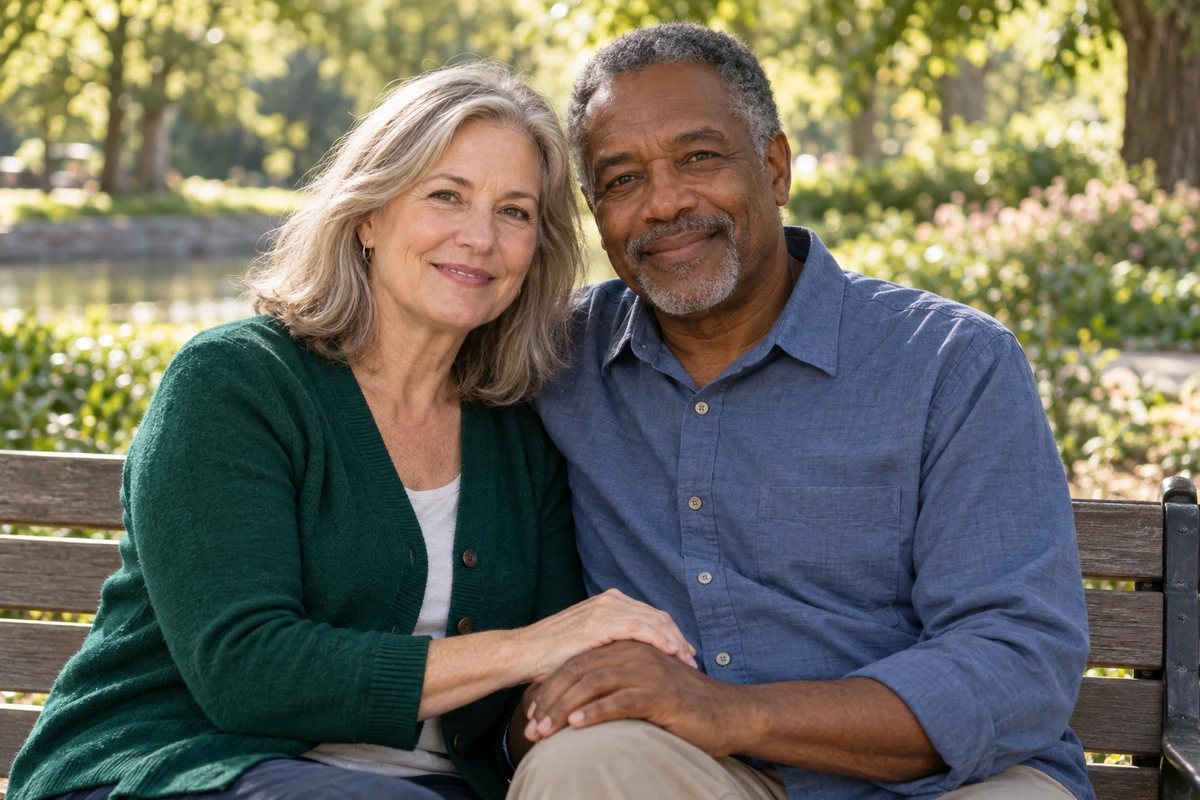
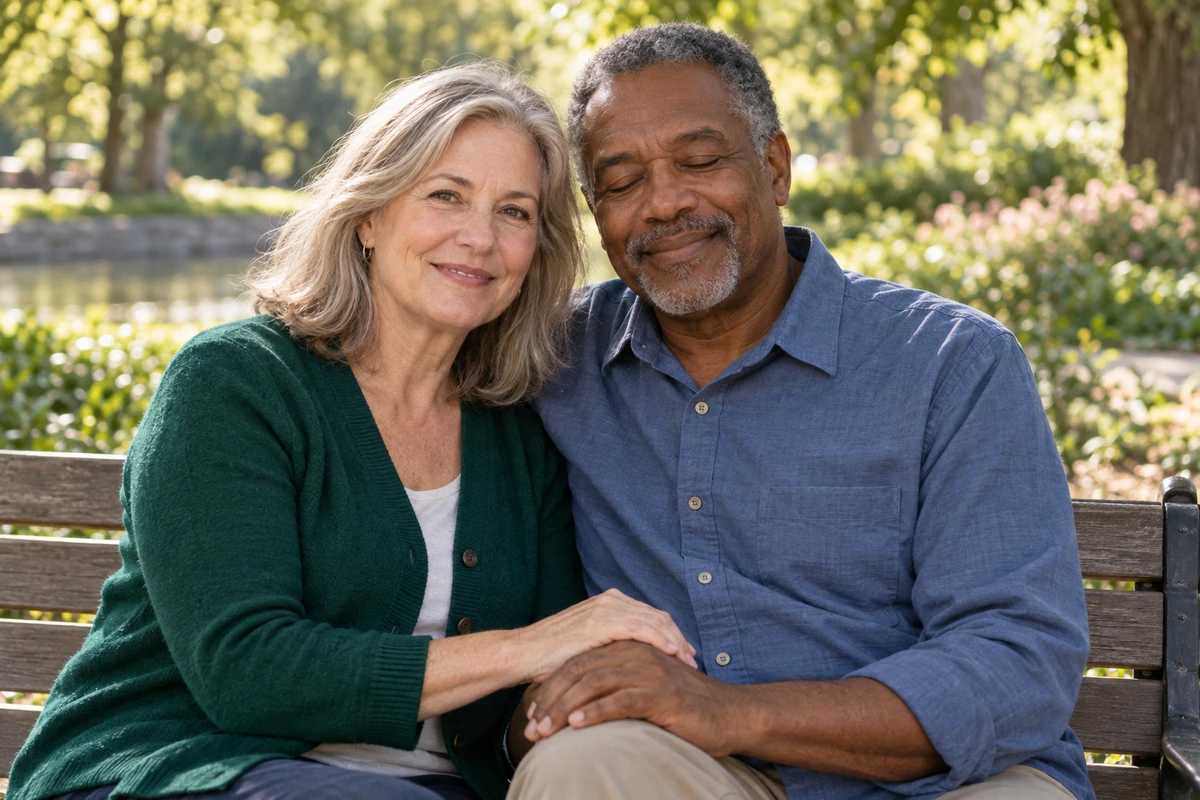 OriginalRepaired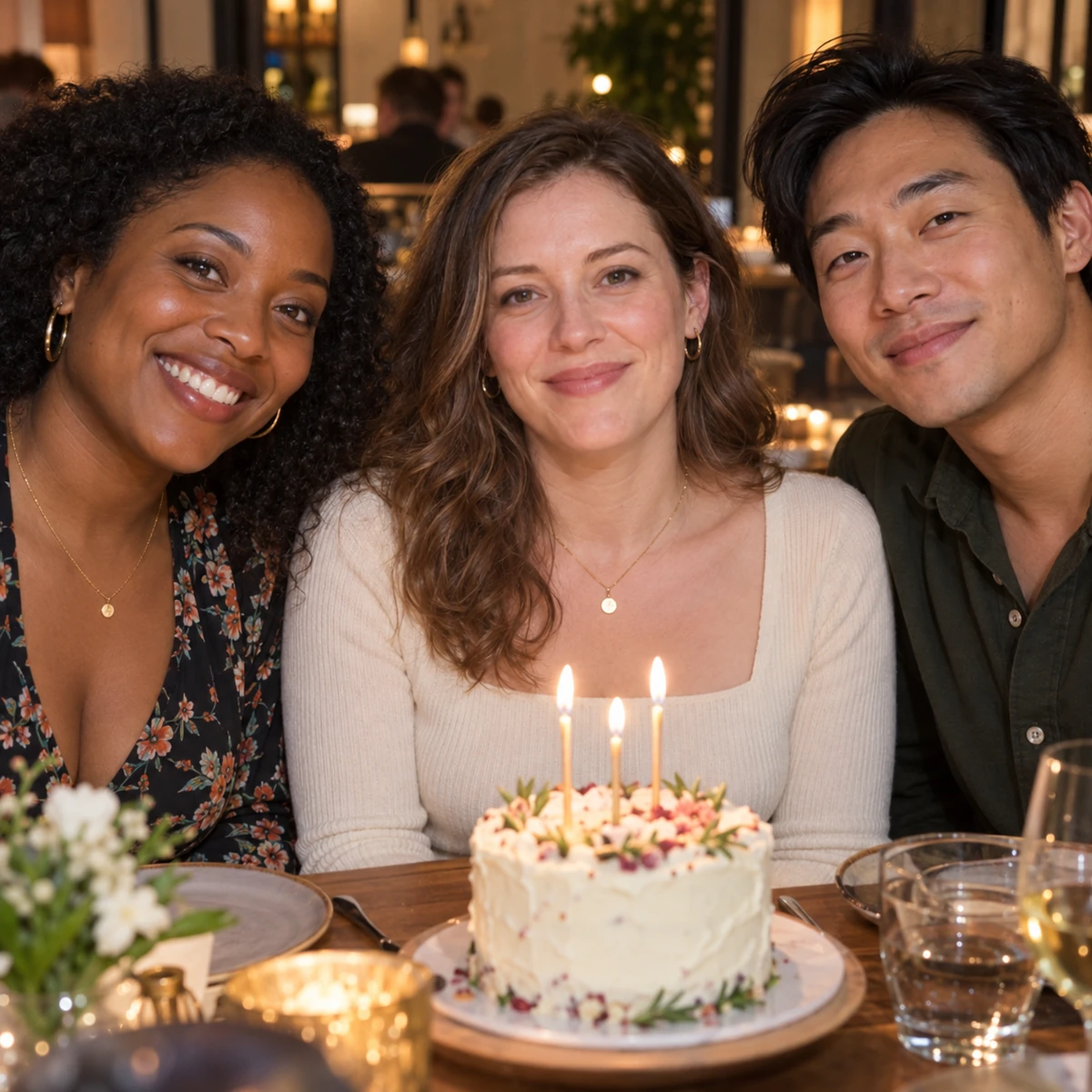
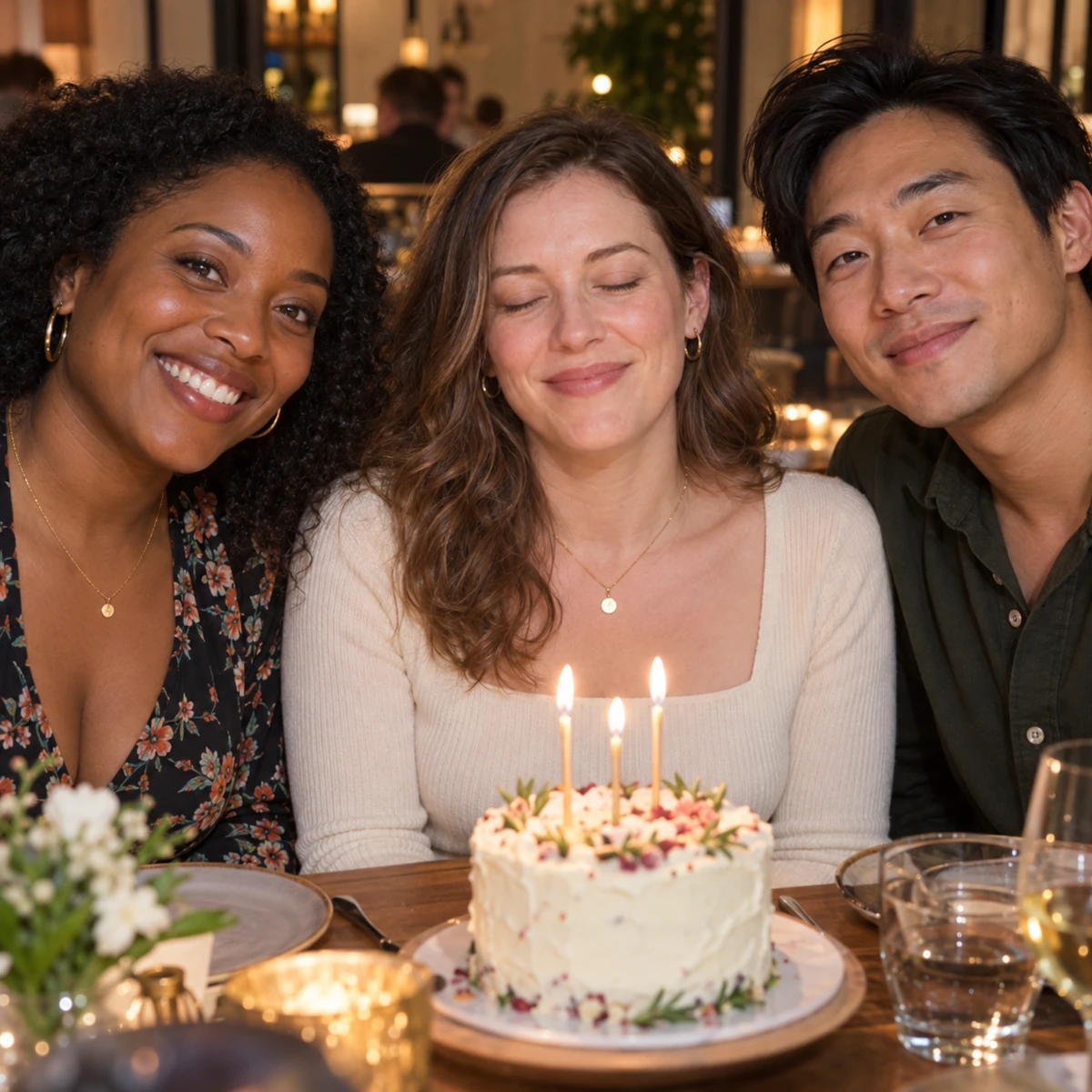 OriginalRepaired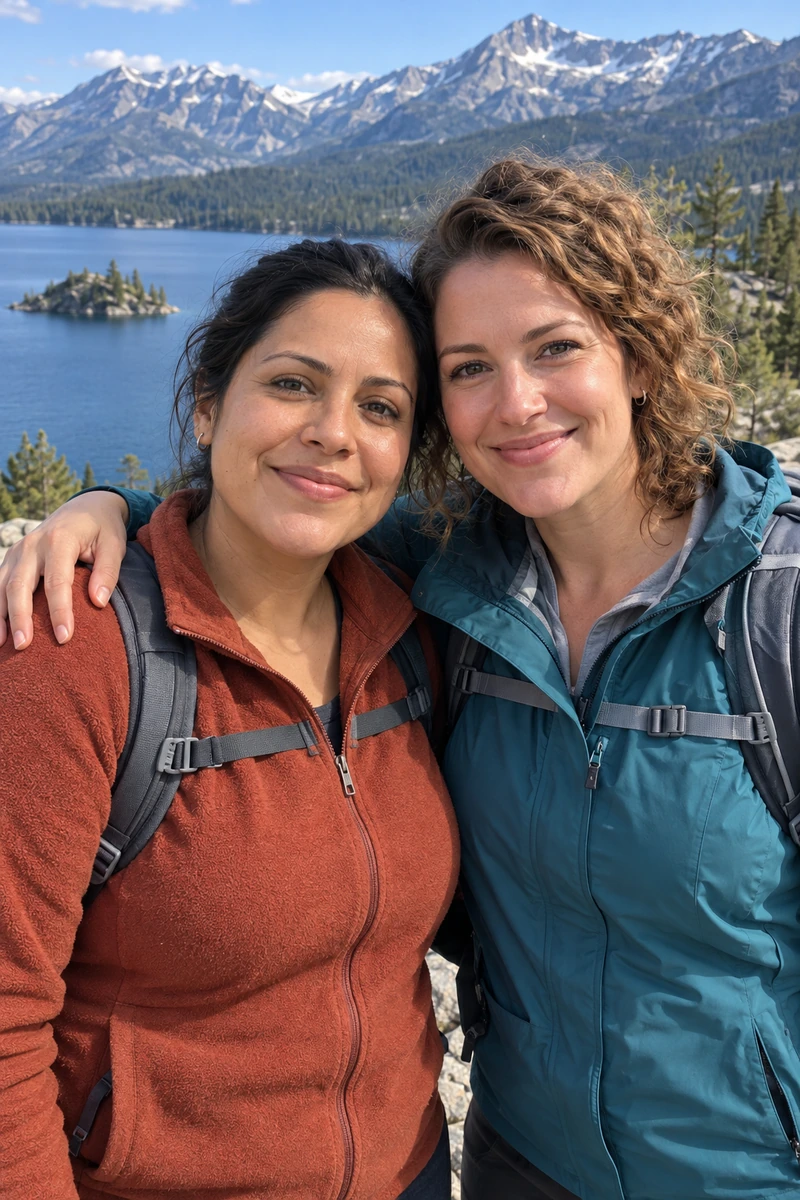
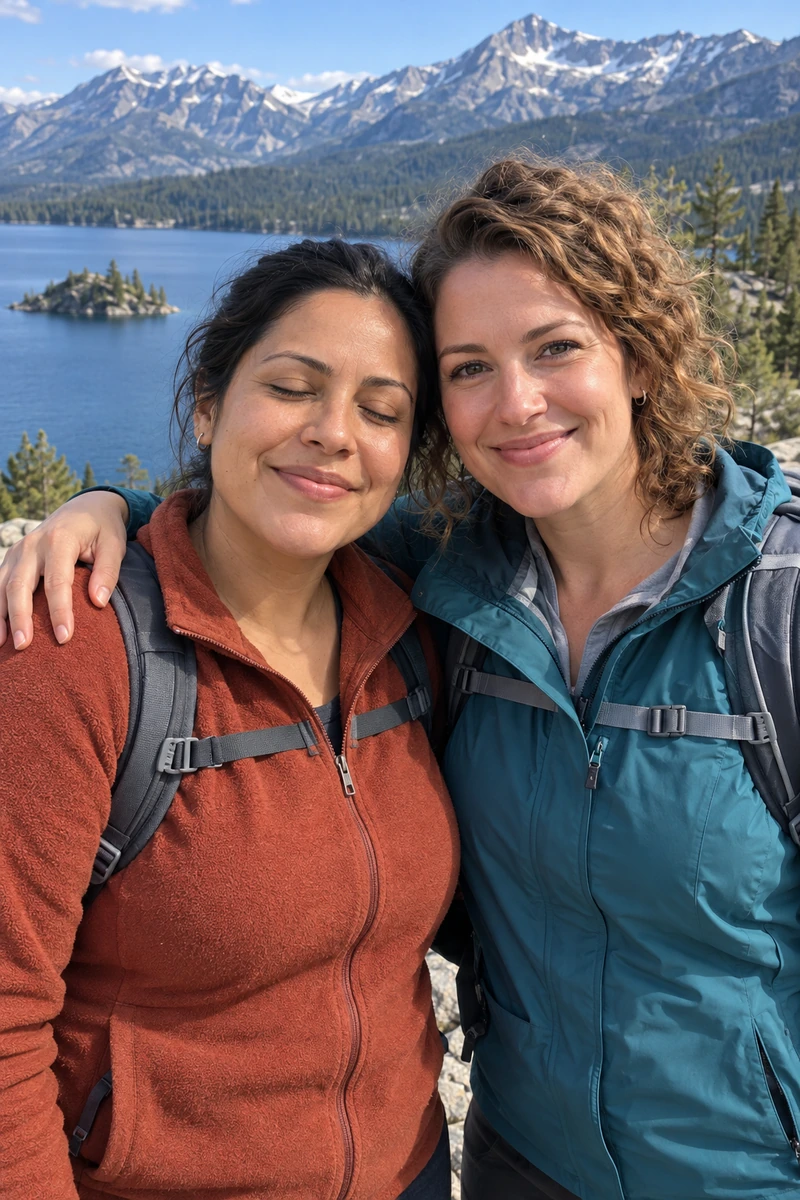 OriginalRepaired
AI-generated demo photos, not customer photos. Results vary by photo.
Fix a blink in a portrait, family photo or celebration.
Restore a natural expression while preserving the rest of the moment.
Tap a face or draw a box. No need to mark individual eyes.
Choose an original JPG, PNG or WebP.
For closed eyes, pick the person and start.
Compare the result and save your PNG.
The repair focuses on the selected person’s eyes. Compare the result with the original to check important details.
Yes. Choose one person by tapping a face or drawing a box. Each repair handles one selected person.
Usually 1–5 minutes. Provider queues vary. Progress during generation is estimated, and the task survives a page refresh.
Without a reference, new eye details are generated estimates. Review eye shape, gaze and naturalness before keeping the result.